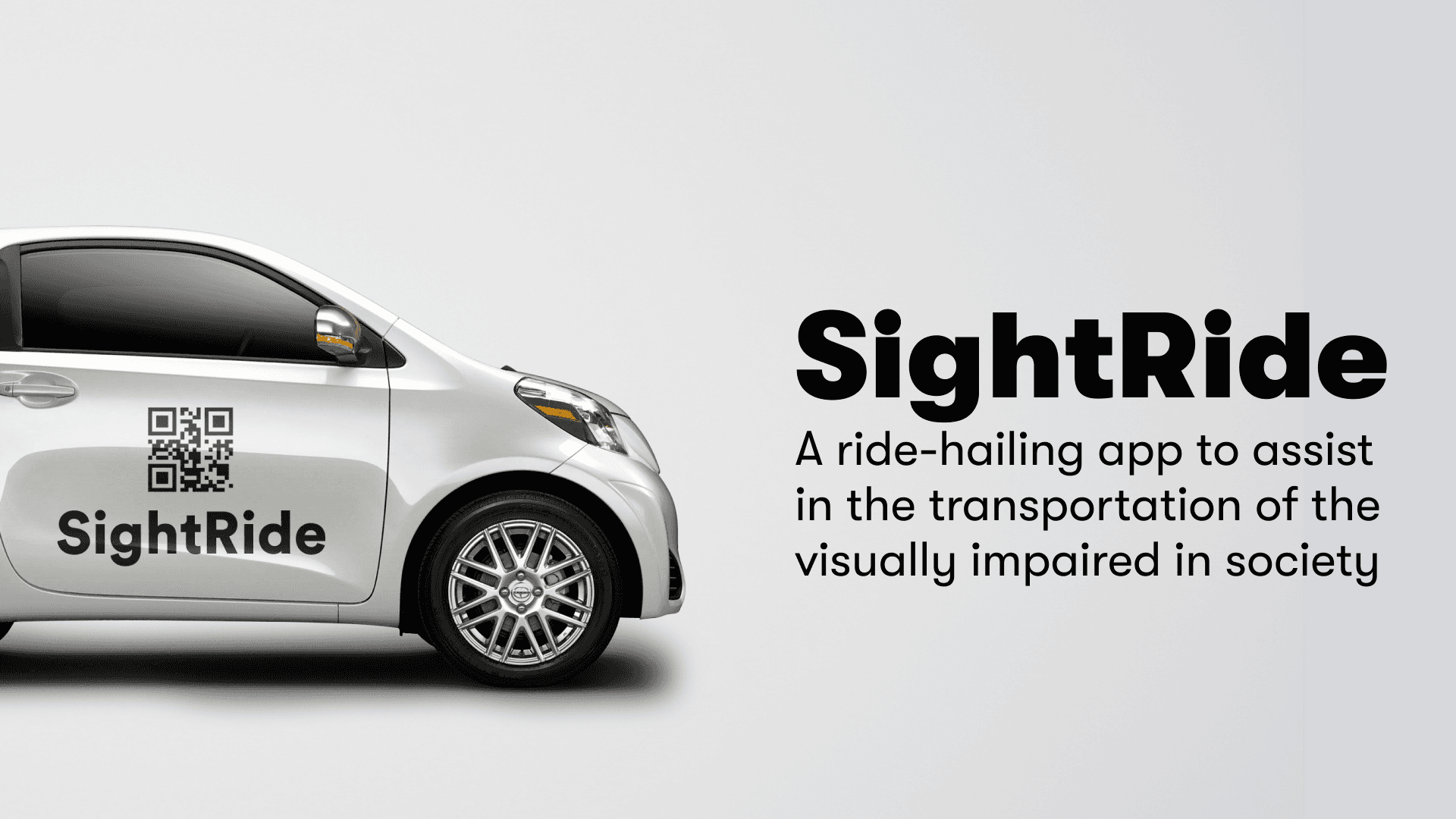
SightRide
SightRide is a ride-hailing app that is specifically designed for visually impaired persons with features such as voice-based navigation, on-screen braille keyboard, and real-time audio updates on the ride status.
Product Design
UX
Project Overview
Client: SightRide
Industry: Transport
My Role: UX/UI & Product Designer
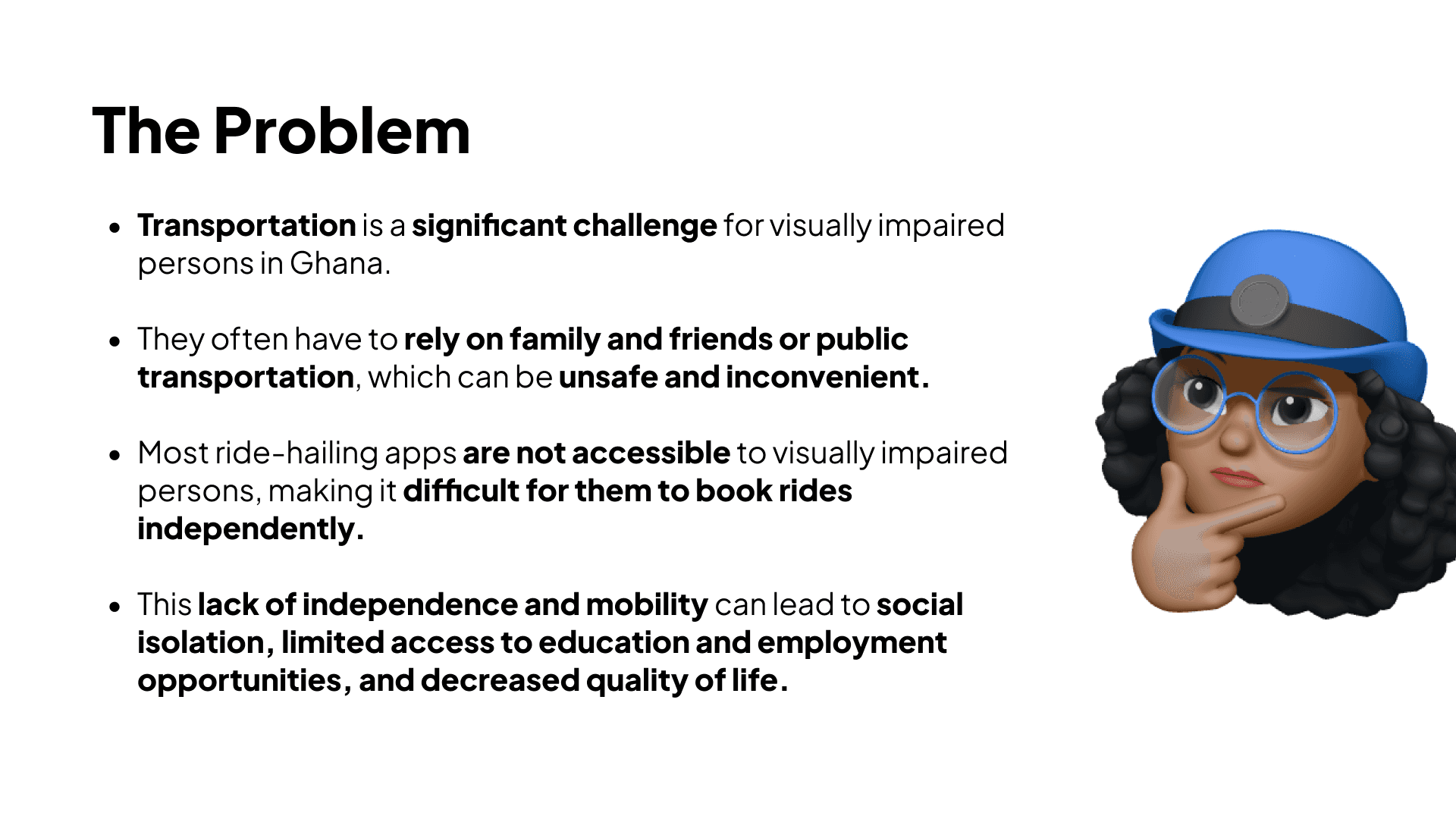
SightRide is a ride-hailing app designed specifically to cater to the needs of visually impaired individuals, providing a seamless experience that empowers them to book and navigate their rides independently. As a UX Designer, my goal was to ensure that visually impaired users could easily book a ride, track its status, and navigate through the interface without relying on sight. The app features voice-based navigation, an on-screen braille keyboard, and real-time audio updates on ride status, all while adhering to accessibility best practices.
My Role:
As the lead UX Designer for the SightRide project, my responsibilities included:
Conducting user research to understand the unique needs of visually impaired individuals when using ride-hailing services.
Designing a user-friendly and accessible interface for both the app and website.
Prototyping and testing the features to ensure accessibility and usability.
Collaborating with developers to ensure seamless integration of accessibility features.
Here is the prototype of the app:
Research & Insights:
User Research:
The first phase of the project was centered around user research, where I conducted interviews and surveys with visually impaired individuals to identify pain points and challenges they face when using traditional ride-hailing services. The insights I gathered included:
Difficulty in Navigating Interfaces: Visually impaired users struggled with the visual complexity of ride-hailing apps, which relied heavily on visual cues and were not fully optimized for screen readers.
Lack of Clear Voice Feedback: Users found that the voice feedback in existing apps was not sufficiently descriptive or reliable.
Navigation Issues: Users often had trouble locating their rides after booking, especially in crowded or unfamiliar areas.
From these insights, I developed personas that represented the diverse needs of the visually impaired community, such as:
Personas:
Emma: A young professional who is visually impaired and frequently uses ride-hailing services to commute to work.
Amina: A retiree with limited vision who prefers to have detailed audio instructions and simplified interactions.
Competitive Analysis:
I also analyzed competitors like Uber and Bolt to understand how they approached accessibility. However, I noticed that while these services offered some basic accessibility options (e.g., voice-over for iOS), they still fell short in providing a truly inclusive experience for visually impaired users.
Design Process:
1. Ideation & Conceptualization:
After synthesizing my research, I worked on several ideas that could address the core challenges faced by the users. The concept revolved around providing an app experience that catered to the following:
Voice-based Navigation: The app would read out all elements of the interface and guide users through every step of the ride process, from booking to navigation.
On-Screen Braille Keyboard: An on-screen braille keyboard was integrated to allow users to easily input destination addresses and other information.
Real-Time Audio Updates: The app would notify the user with real-time updates on their ride status, including the car’s arrival time, estimated ride duration, and any potential delays.
2. Wireframes and Prototyping:
I started with wireframes to establish the basic structure of the app. I focused on creating a minimalist design with large buttons, clear text, and simple navigation to reduce cognitive load. Key features included:
Voice Command Button: A large, easy-to-find button that activated voice control for various tasks like booking a ride or checking the status.
Accessible Map Interface: A simplified map that would announce the ride’s location and proximity via audio feedback.
Braille Keyboard: An on-screen keyboard with Braille input options, enabling users to enter text easily.
I then created interactive prototypes in Figma and used tools like InVision for user testing.
3. User Testing & Feedback:
To ensure the app met the needs of the target users, I conducted multiple rounds of usability testing with visually impaired participants. Key findings included:
Testing with Braille Users: The integration of the Braille keyboard was received positively, but users suggested making the button size adjustable.
Voice Feedback Improvements: Users recommended that the app should have different voice tones or speed settings, allowing them to personalize the experience.
Map Navigation: While the audio directions were useful, some users found the map interface confusing. I adjusted the design to make the map optional, offering only audio updates for ride location.
Based on these insights, I refined the design, adjusting elements like button sizes, voice feedback, and map interaction.
4. Final Design:
The final app design incorporated the following features:
Voice Command Interface: Allows users to speak commands such as “Book a ride” or “Where is my ride?”
Accessible Map: The map is now supplemented with detailed audio descriptions of the surroundings and ride status, ensuring users can track their ride without looking at the screen.
Large Touchable Buttons: Buttons are large and tactile, making it easier for users to navigate the app without frustration.
Braille Input Support: An optional Braille keyboard for text input ensures that users who rely on Braille can comfortably interact with the app.
Key Features:
Voice-Based Navigation: The app reads out the available rides, distance, price, and time to arrival. It also gives directions on where to go and what to do next, such as “Your ride is 2 minutes away. Walk 100 meters towards the main entrance.”
On-Screen Braille Keyboard: Users can toggle an on-screen Braille keyboard for destination input, making it easier to type accurately without relying on traditional touch-screen methods.
Real-Time Audio Updates: As the user’s ride approaches, the app provides continuous audio updates. For example: “The car has arrived. It’s a red sedan. The driver’s name is Mark, and the license plate is ABC1234.”
Simple, Clean UI: The app uses high-contrast colors and large, touch-friendly buttons to ensure visibility for users with partial sight or low vision.
Challenges & Solutions:
Challenge: Balancing the need for audio feedback with user preferences for verbosity.
Solution: We allowed users to control the verbosity of audio prompts in the settings, so they could choose how much information they received.
Challenge: Making the app usable for those unfamiliar with technology.
Solution: Simplified the interface and included a tutorial for new users to guide them through the app's key features.
Challenge: Ensuring compatibility with various screen readers and accessibility tools.
Solution: Worked closely with developers to ensure full compatibility with popular screen readers like VoiceOver (iOS) and TalkBack (Android).
Results & Impact:
Increased Independence: Users reported feeling more independent and confident when using the app to book rides, knowing they could do so without needing help from others.
Positive Feedback: The app received positive feedback from visually impaired users, who appreciated the detailed voice prompts and Braille input options.
Accessibility Recognition: SightRide was recognized by accessibility advocates for its innovative approach to designing an app that truly caters to the needs of the visually impaired.